Two USB-C cables can look identical and perform differently. This guide explains the ratings that matter.
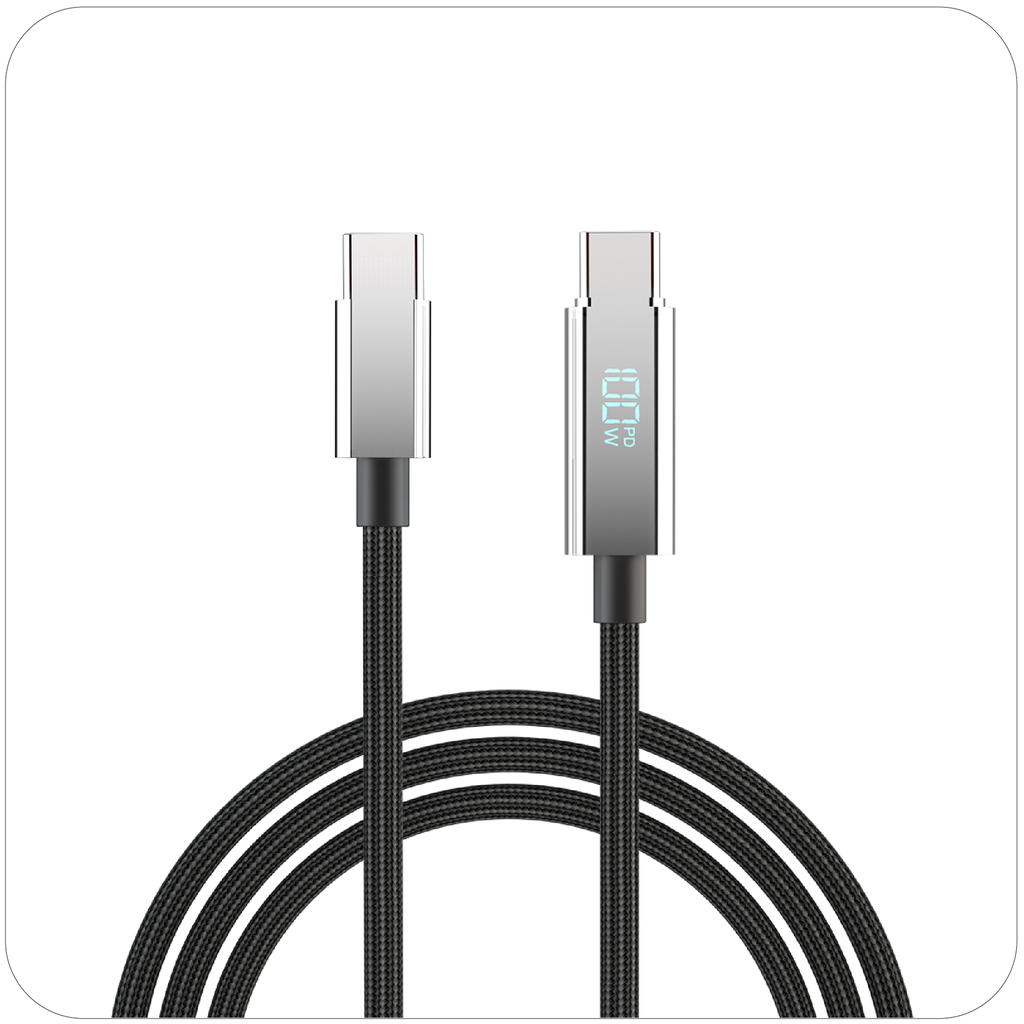
Power rating: 60W, 100W and 240W
A cable's power rating is the most it can safely carry. Cables rated for more than 60W contain a small chip, called an e-marker, that tells the charger what the cable can handle. If you charge a laptop, check that the cable is rated for at least the wattage of your laptop charger.
Charging and data are different
Some USB-C cables are built mainly for charging and carry data at slower speeds. If you move large files, check the data speed on the product page.
Length
Longer cables have more electrical resistance, so choose the shortest cable that suits where you use it. A 30cm cable suits a bag or power bank; a 2m cable suits a bedside or sofa.
USB-C, Lightning or 4-in-1
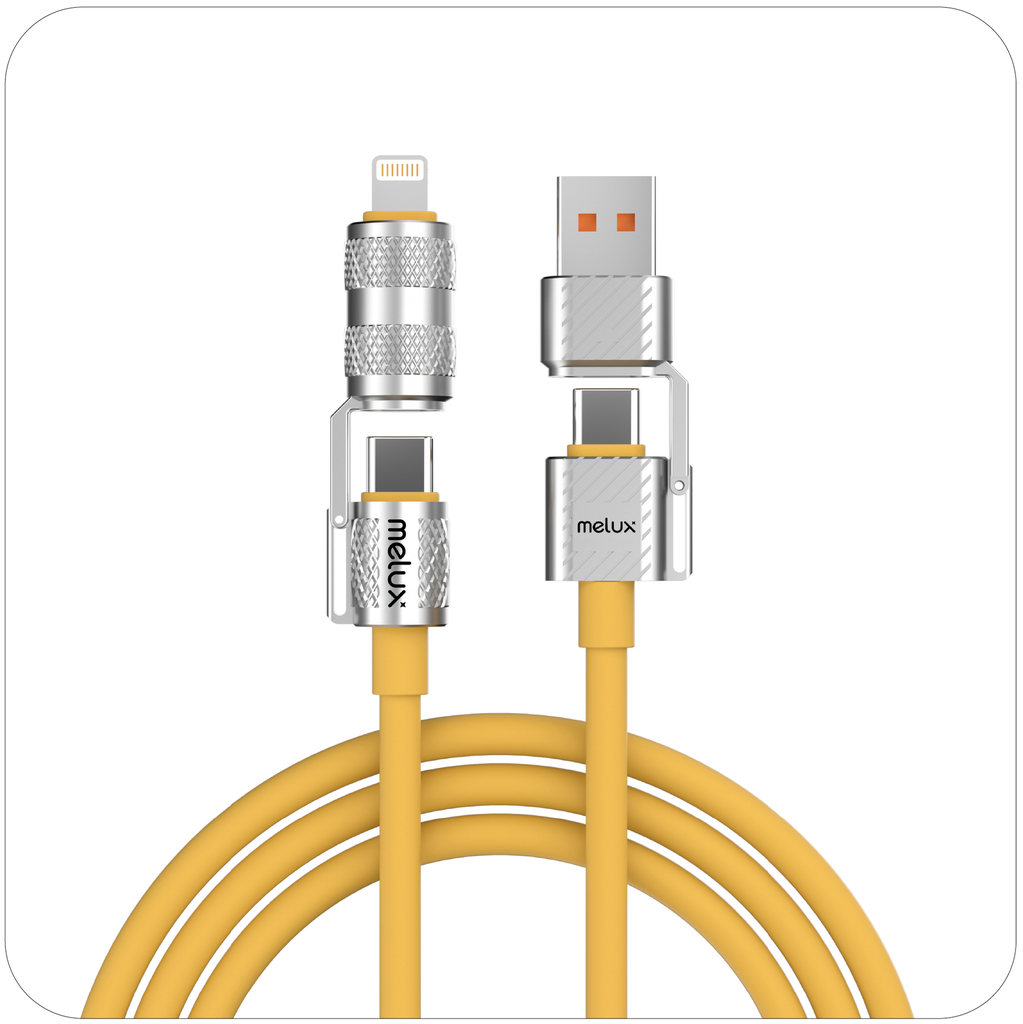
Apple devices with a Lightning port need a Lightning cable (or a USB-C to Lightning cable); most Android phones, tablets and laptops use USB-C. A 4-in-1 cable combines USB-C and Lightning connectors so one cable covers a mixed household.
The melux cable range
- Swift Connect 311: 100W USB-C to USB-C, 1m.
- Swift Connect 361: 60W USB-C to USB-C, 1.2m.
- Swift Connect 363: 60W USB-C to USB-C, 30cm.
- Easy Connect 182C: USB-C to USB-C, 2m.
- Swift Connect 182L: Lightning cable, 2m.
- Power Connect 521: 4-in-1, USB-C up to 240W and Lightning up to 27W.
- Easy Connect 561R: 4-in-1 with RGB light, up to 60W for USB-C and 27W for Lightning.
Browse all melux cables.
Ordering from melux
- Dispatch from Melbourne, normally within 2 to 3 business days.
- 1-year warranty on our chargers and power banks.
- 30-day change-of-mind returns for items that are unused and unopened (see our Terms and Conditions).
- Questions? Email [email protected].

USB-C Cables: What the Wattage, Length and Data Speed Mean